ASIC miner won't connect to the pool: network checklist
The miner is on but hashing nothing, or shows as dead on the pool. Check the cable, the address, the pool settings and the worker name, from the miner outward.
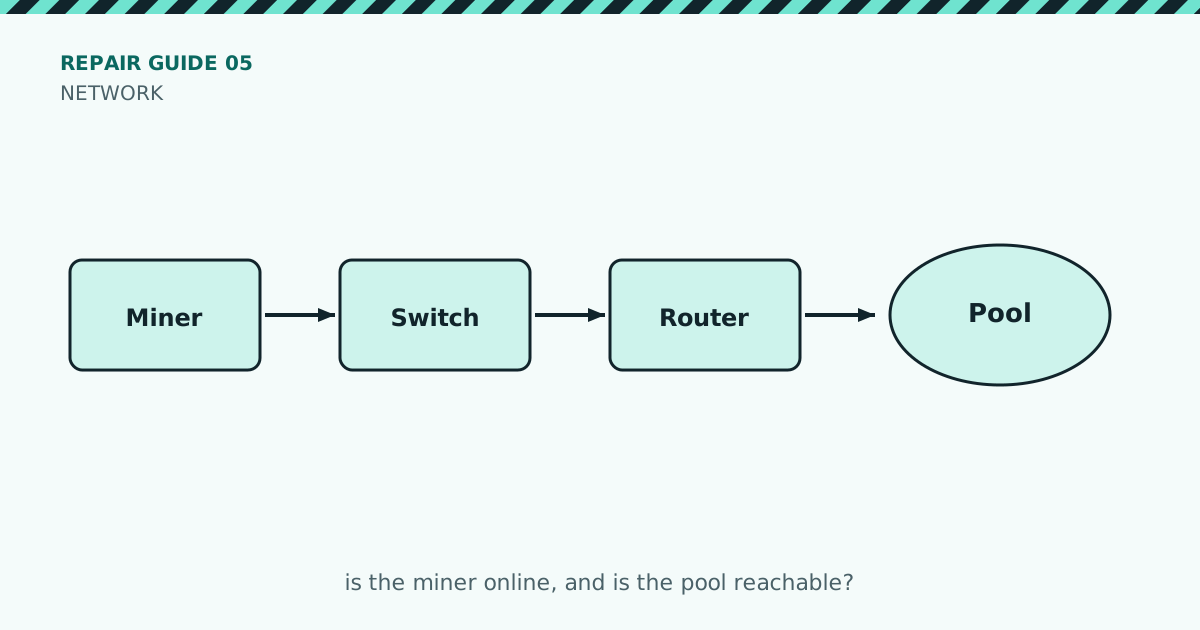
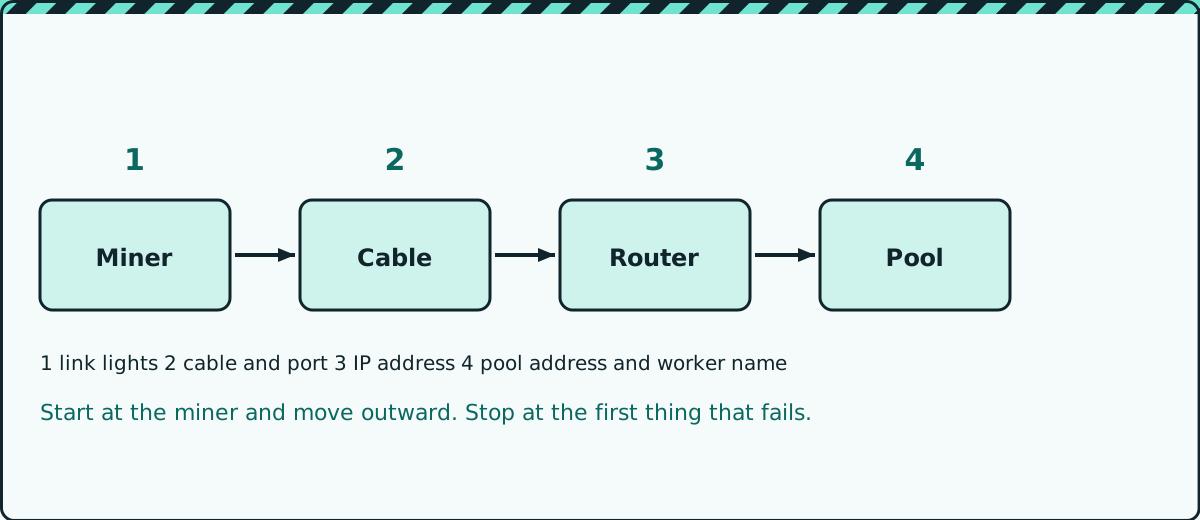
If the miner powers up but hashes nothing, or the pool says the worker is offline, the cause is usually the network or the pool settings rather than the hardware. Start at the miner and move outward, one step at a time.
What you’ll need
- A computer on the same network
- Your pool’s address, port and your worker name
- A spare network cable for testing
The checks
- Link lights. Look at the network port on the miner. A light that is off means no connection. Try a different cable and a different port on the switch or router.
- IP address. Find the miner on your router’s list of connected devices, or with an IP scanner. If it has no address, or an address that starts differently from the rest of your network, the miner is not getting a valid one from your router.
- Open the miner’s web page using that address. If the page opens, the miner is on the network and the problem is further out.
- Check the pool settings. Compare the pool address, port and worker name letter by letter with what your pool shows. One wrong character is enough to stop it working.
- Check the internet connection from another device on the same network. If nothing can reach the internet, the problem is your router or provider.
- Check for blocks. Some routers and firewalls block the ports that pools use. Check the pool’s documentation for the ports it offers and try an alternative one.
- Restart in order: modem, then router, then switch, then the miner. Wait a minute between each.
Mistakes that look like hardware faults
- Two devices using the same fixed IP address
- A worker name with a typo or the wrong account name
- A pool address that was changed by the pool but not by you
- A cable that tests fine for lights but drops under load
Note: Never share your pool login or wallet details when asking for help online. Worker names and error messages are enough.
When to stop and get help
If the miner never gets an address with a known good cable and port, or its web page will not open on any network, the network port may be damaged. That needs a repair shop.
Quick checklist
- Cable and port tested with a spare
- Miner has a valid IP address
- Web page opens
- Pool address, port and worker name match exactly
- Other devices can reach the internet
- Alternative pool port tried
Safety first: unplug the miner and let it cool before opening it, and never open a power supply unless you are trained to. Repairing a miner may void its warranty.
Enjoyed this? Get the next one by email
New posts straight to your inbox.