Reading your ASIC miner's log: where to start
Before you reboot, open the log. How to save it, find the first real error, and turn a wall of text into a short list of things to check.
When a miner misbehaves, the log usually already knows why. The problem is that most people reboot first, and a reboot can wipe the evidence. This guide shows how to read the log calmly and come away with a short list of things to check.
What you’ll need
- A computer on the same network as the miner
- The miner’s IP address and its web login
- A text editor to paste the log into
The checks
- Open the miner’s web page and find its log or status section. The name differs between firmware versions, so look for “Kernel Log”, “System Log” or similar.
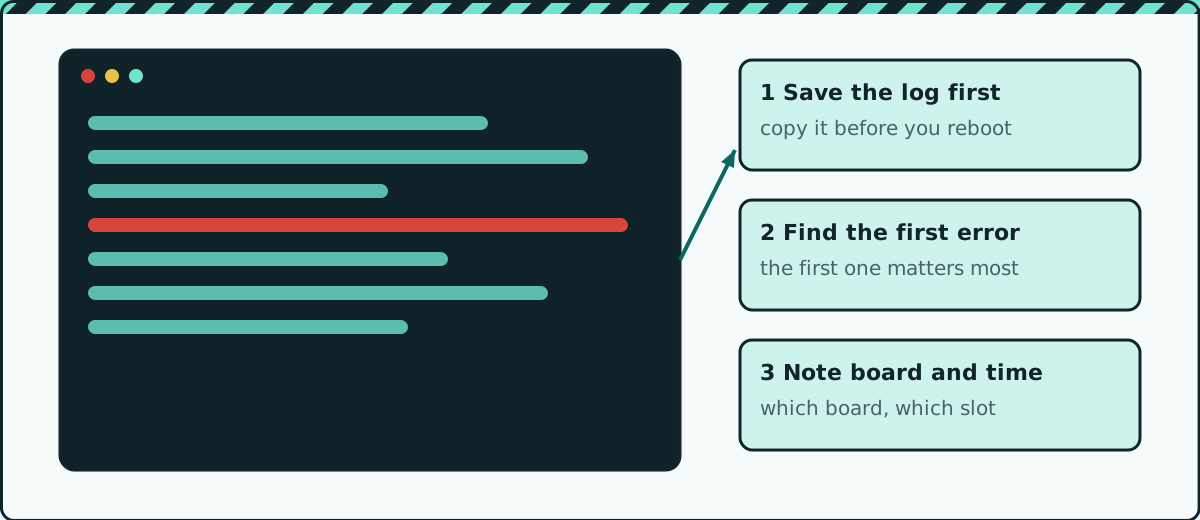
- Copy the whole log into a text file before you reboot, power cycle or change any setting. Name the file with the date and time.
- Scroll to the earliest error rather than the last one. Later errors are often just the result of the first problem.
- Note which board or slot the message mentions, and roughly when it happened. A fault that appears right at start-up points somewhere different from one that appears after hours of running.
- Search the exact wording of the first error together with your miner model. Other owners have usually met it before you.
- Reboot once and compare the new log with the saved one. If the same error comes back in the same place, it is repeatable and worth chasing.
What the log is usually telling you
| Pattern | Often points to |
|---|---|
| One board missing every time | That board, its cable or its slot |
| Temperature or fan messages | Airflow, fans or dust |
| Errors that appear at random times | Power quality or a loose connector |
| Pool or network messages | Network settings, not hardware |
This table is a starting point, not a verdict. Always check against your own model’s documentation.
Caution: Reading a log is safe, but acting on it often means opening the miner. Unplug it and let it cool before you touch anything inside.
When to stop and get help
If the log shows the same board failing after you have reseated cables and swapped slots, deeper repair needs proper test equipment. Hand the saved log to whoever repairs it. It will save them time.
Quick checklist
- Saved the log before rebooting
- Found the first error, not just the last
- Noted the board, slot and time
- Searched the exact error with the model name
Safety first: unplug the miner and let it cool before opening it, and never open a power supply unless you are trained to. Repairing a miner may void its warranty.
Enjoyed this? Get the next one by email
New posts straight to your inbox.